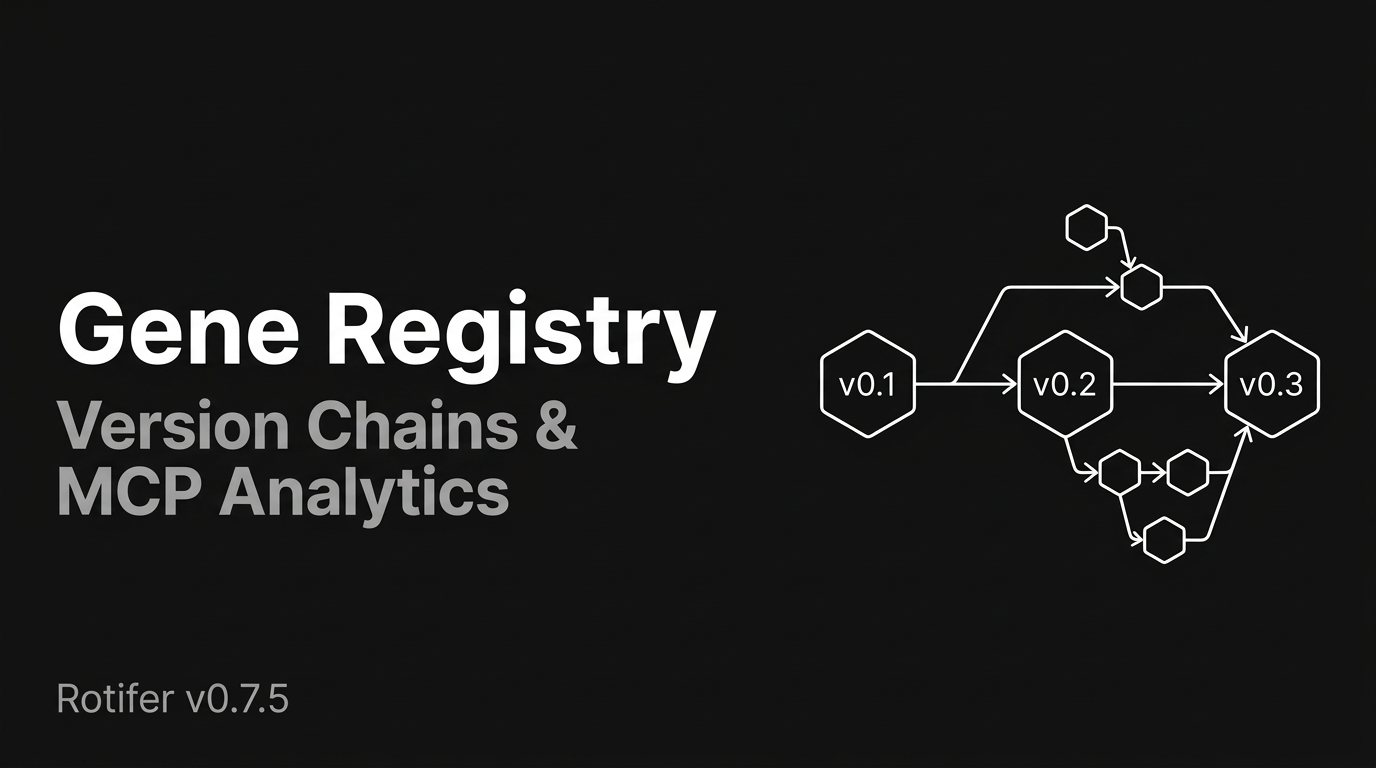
The gene ecosystem hit 50+ genes fast. Fast enough to expose two infrastructure gaps: domain fragmentation (the same concept registered under different domain names) and version isolation (no link between v0.1 and v0.2 of the same gene). v0.7.5 fixes both — and adds MCP call analytics so we can actually measure ecosystem growth.
Both @rotifer/playground and @rotifer/mcp-server are updated on npm.
Gene Domain Registry
Previously, rotifer wrap --domain accepted any free-text string. Developers independently chose domains like ai.video, media.video, and video.generation for functionally identical categories. At 50 genes this was annoying; at 500 it would be chaos.
v0.7.5 introduces a domain registry — a shared namespace that tracks all registered domains:
rotifer wrap my-gene# ? Select a domain:# ❯ ai.text (12 genes)# ai.image (8 genes)# data.transform (5 genes)# [Enter new domain]When you run rotifer wrap without --domain, the CLI suggests existing domains from a local cache (synced from the cloud registry). Pick one, or enter a new domain that gets registered automatically on publish.
Domain format is now validated: lowercase alphanumeric + dots only (a-z0-9.), no special characters, no path traversal.
You can still use rotifer wrap --domain custom.domain to bypass the interactive prompt.
Gene Version Chain
Every gene now carries a link to its previous version. When you publish an updated gene, the CLI automatically finds the latest version with the same name under your account and sets previous_version_id:
rotifer publish text-summarizer --changelog "Improved extraction for long documents"This creates a traceable version chain:
text-summarizer v0.1.0 → v0.2.0 → v0.3.0 ↑ linked via previous_version_idThe --changelog parameter (max 500 characters) stores version notes alongside each release. Skip it in interactive mode, and the CLI auto-generates a brief diff. Existing genes published before v0.7.5 continue to work — the changelog field is optional and defaults to null.
MCP Server: Version History & Call Analytics
The @rotifer/mcp-server npm package gets two significant additions:
list_gene_versions
Browse the complete version history of any gene:
// list_gene_versions({ owner: "alice", name: "text-summarizer" })[ { "version": "0.3.0", "changelog": "Improved extraction for long documents", "previous_version_id": "..." }, { "version": "0.2.0", "changelog": "Added support for Markdown input", "previous_version_id": "..." }, { "version": "0.1.0", "changelog": null, "previous_version_id": null }]Call Analytics
Every MCP tool invocation is now instrumented — tool name, success/failure, latency, and gene ID (for gene-related tools) are logged asynchronously. The instrumentation is fire-and-forget: zero impact on response latency, and a logging failure never blocks a tool call.
The new get_mcp_stats tool (requires authentication) returns:
- Total calls and success rate (7d / 30d)
- Average latency per tool
- Top tools and top genes by usage
This gives us the first quantitative view of how the ecosystem is being used across Cursor, Claude Desktop, and other MCP clients.
CLI Quality of Life
Domain cache sync
The local domain cache (~/.rotifer/domain_registry.json) refreshes silently after every rotifer publish and rotifer install. No manual sync needed.
Windows login fix
rotifer login now opens the browser correctly on Windows. Previously, the start command treated the URL as a window title instead of a URI.
Bug Fix: Gene List Deduplication (v0.7.6)
v0.7.6 (a same-day patch) fixes an issue where search_genes returned multiple versions of the same gene, inflating gene counts and cluttering search results. The fix applies DISTINCT ON (owner_id, name) at the database level, so both the CLI and VS Code extension now show only the latest version per gene.
Upgrade
# CLInpm i -g @rotifer/playground@latest
# MCP Server (in your MCP client config)npx @rotifer/mcp-server@latest
Docs: rotifer.dev/docs